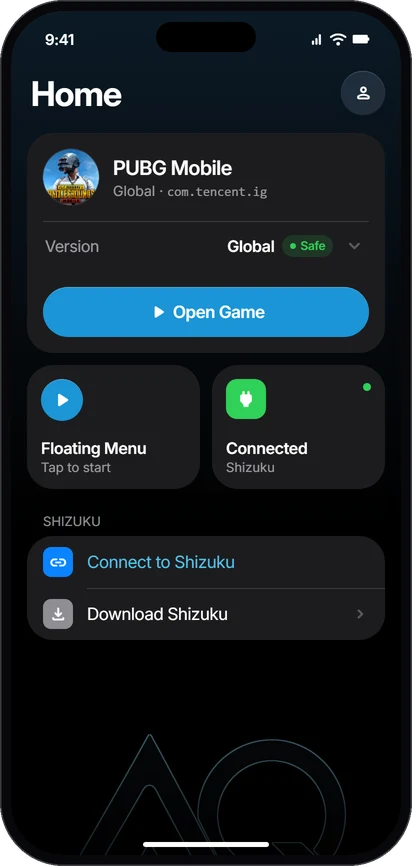
What you get.
- Runs on
- iOS only
- Phones per key
- One phone, move it with a reset
- Updates
- Retested after every game update
- Guarantee
- Ban guarantee
- Time starts
- At first sign-in
- Delivery
- On network confirmation
From key to match in minutes.
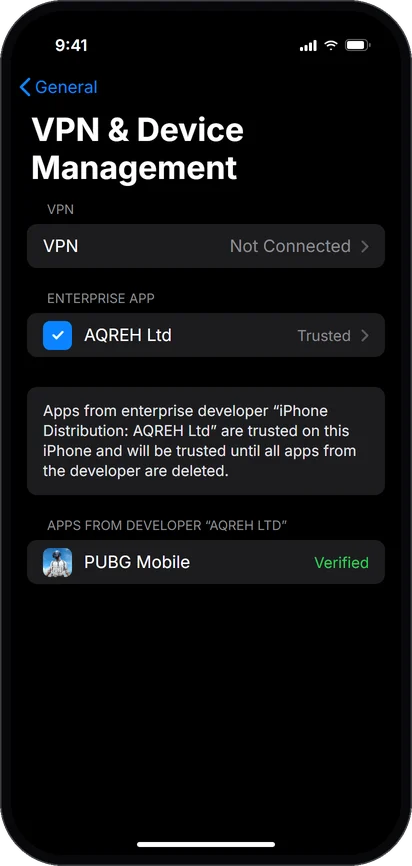
Install and trust the certificate
No certificate yet? Get one from us, then trust it in Settings, General, VPN & Device Management.
Already have one, or jailbroken? Skip to step 2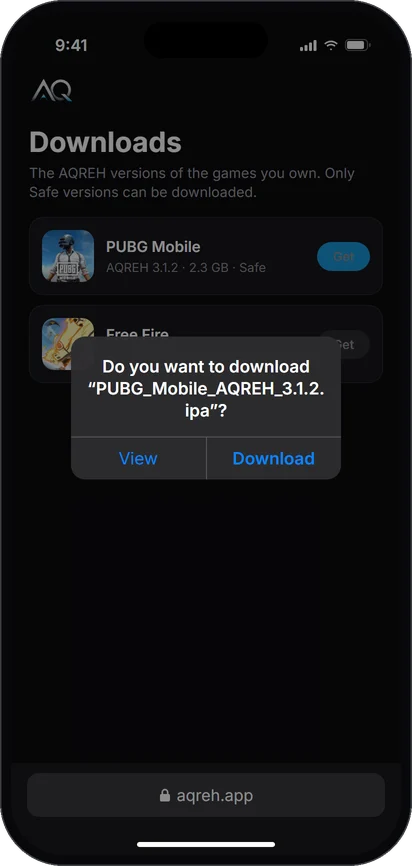
Download your game version
On your iPhone, open Downloads in your AQREH account and get the .ipa of your game.
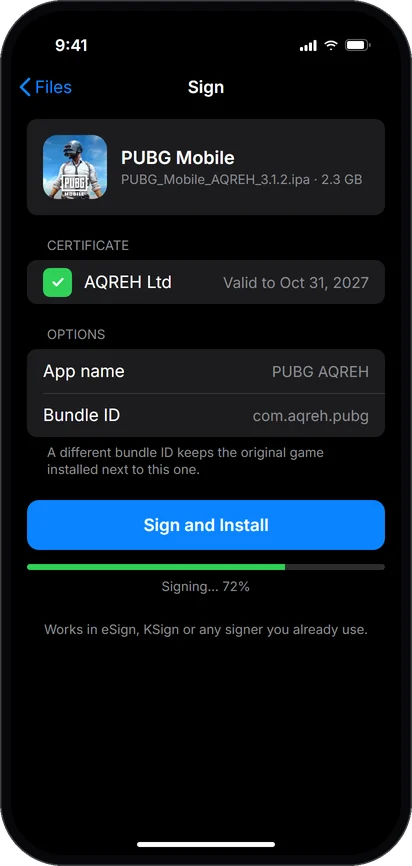
Sign and install
Open the file in eSign, KSign or any signer you use. Sign it with your certificate and install. It sits next to the original game.
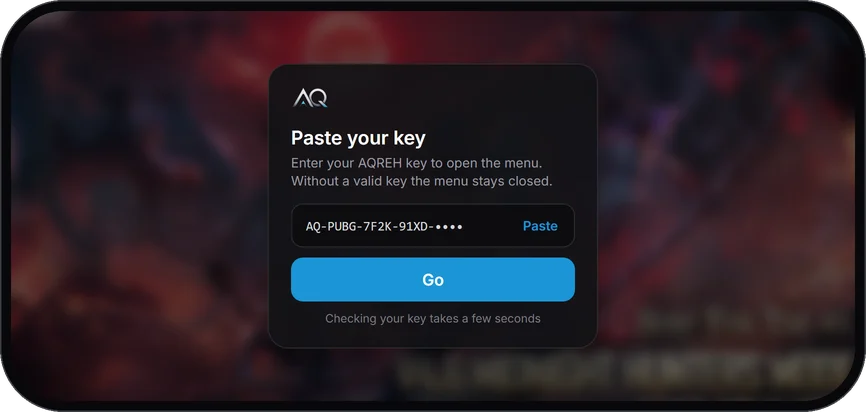
Open the game, paste your key
A few seconds after the game opens, a box asks for your key. Paste it and tap Go. The menu only opens with a valid key.
Coming soon: install through TestFlight, with no certificate needed. Seeing a warning? Every iPhone message explained.
About MLBB IOS · Monstr keys.
The one your game account plays on. You can switch regions in the app at any time; the key covers all four.
Each game lists its devices. Most run on iOS and Android; a few are on one of them only, shown on the game card. Your key works on one phone, and you can move it from your account.
The build shows Updating until it passes our check. Any downtime is added back to your key.